Bangla and English together
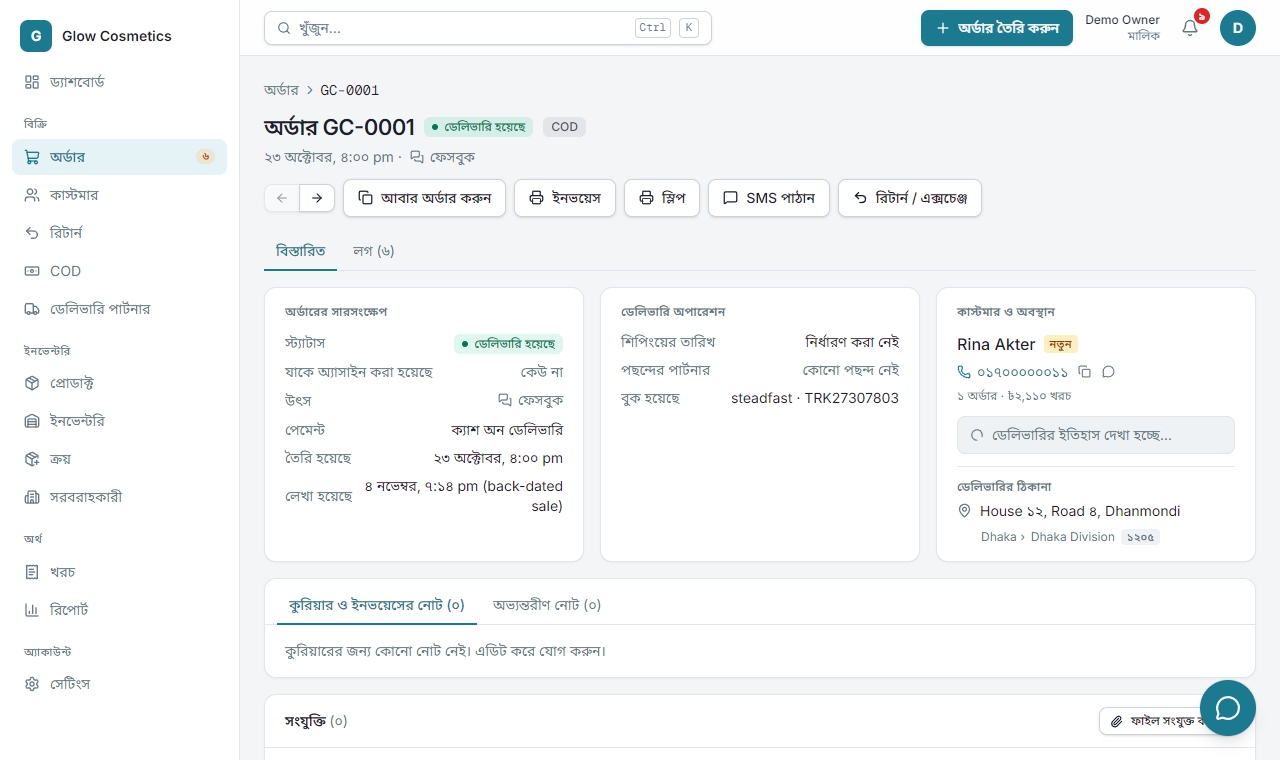
Switch the whole app to Bangla, type names, addresses and numbers in Bangla, and find things in either language.
On this page
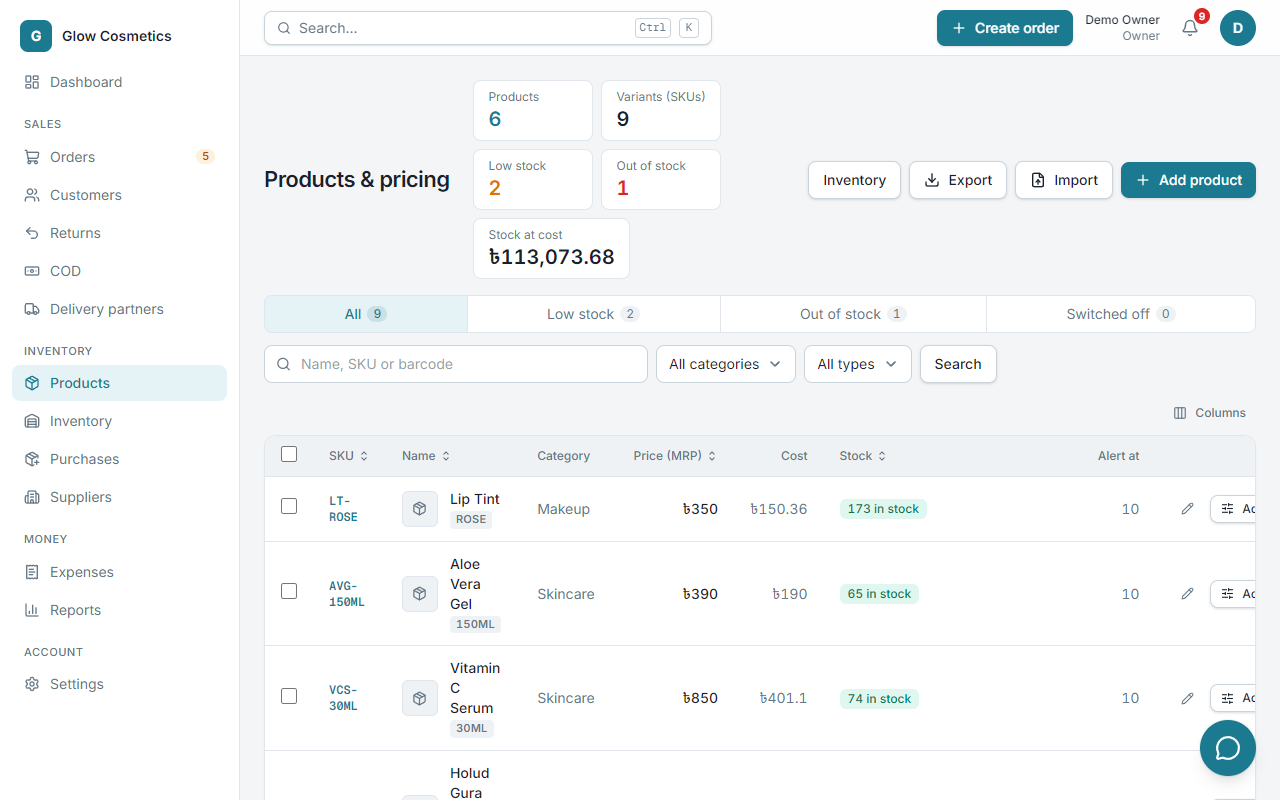
Enpod speaks English and Bangla: switch the whole app to Bangla with one tap, and everything you type and search can be in Bangla, in English, or mixed.
Switch the app to Bangla#
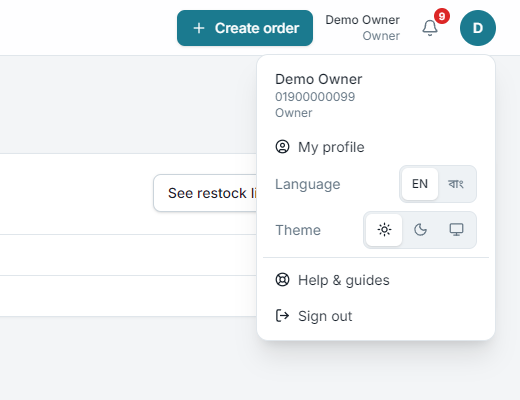
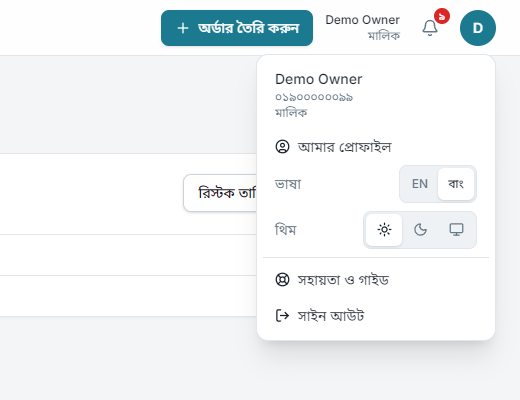
Open your account menu (the round picture at the top right) and next to Language choose বাংলা. On the sign-in page the same switch is at the top right. The page reloads once, and from then on the menus, buttons, headings, tables and messages are in Bangla. Choose English to go back. Your choice is remembered on this phone or computer.
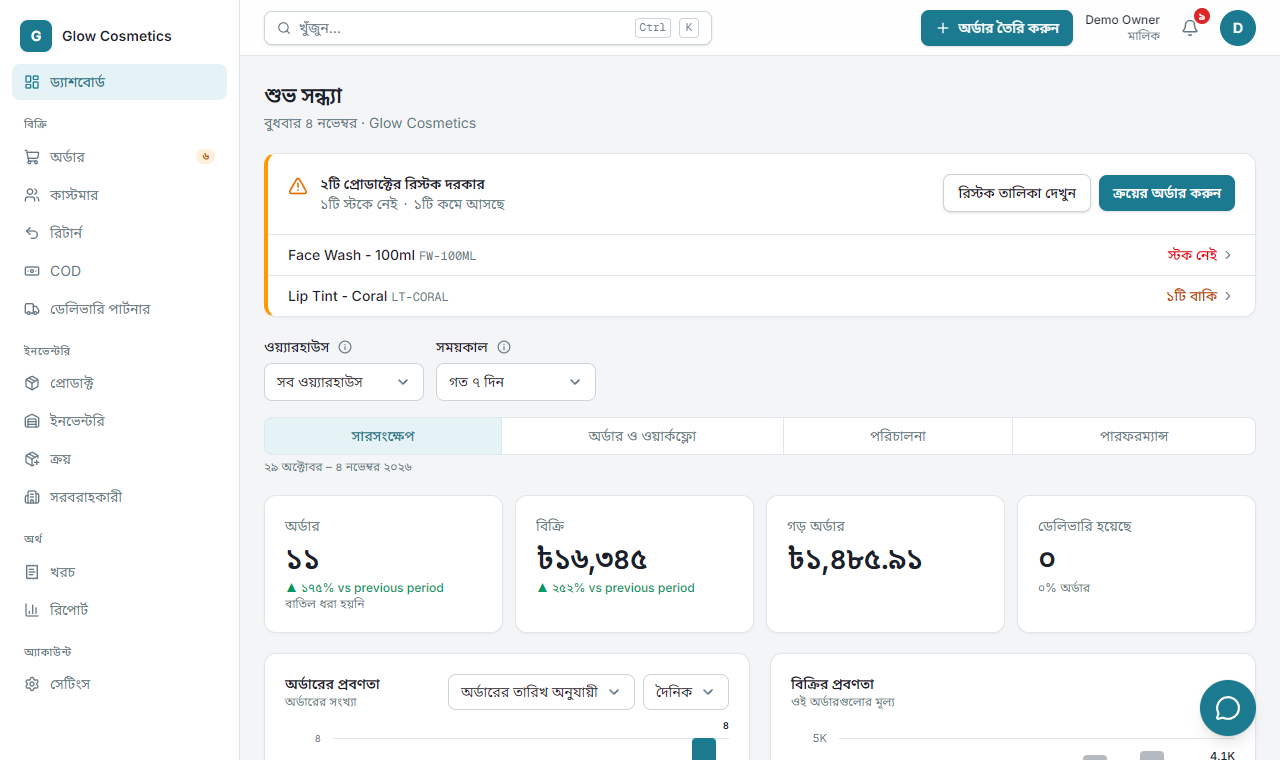
- Numbers and dates are in Bangla digits (
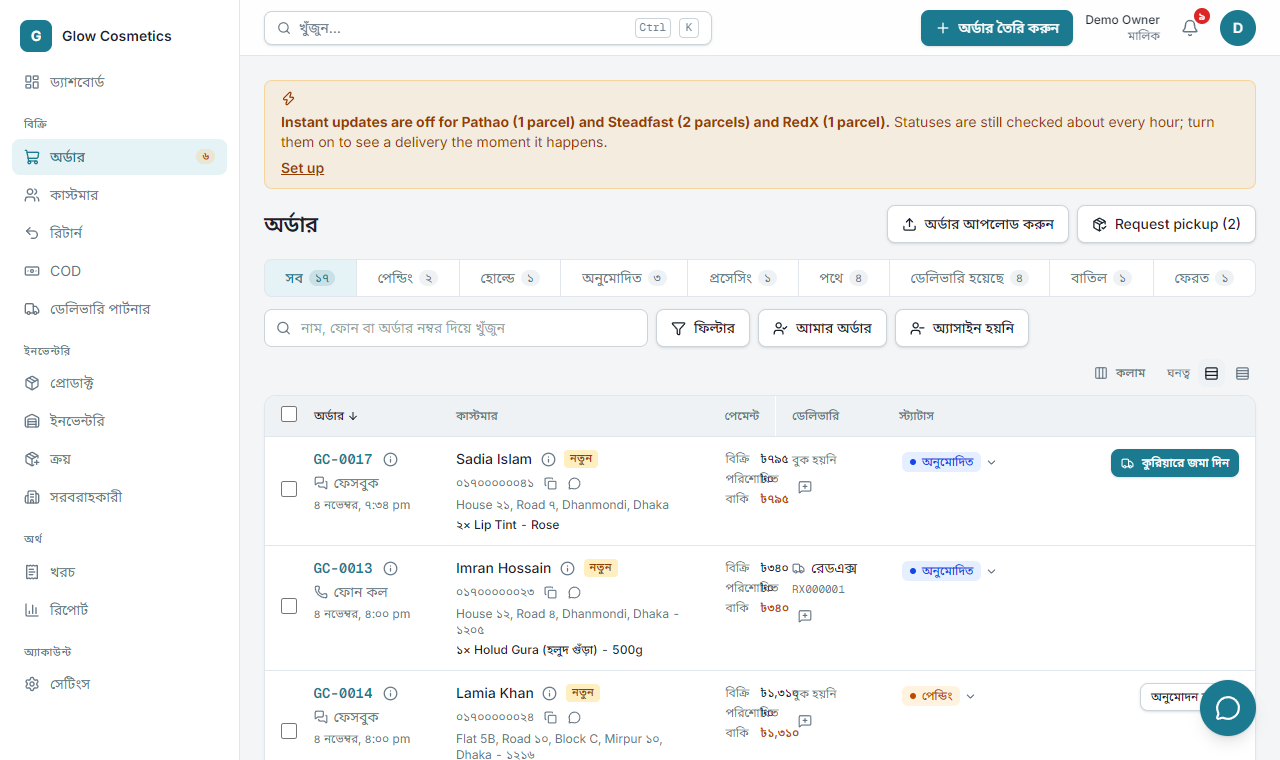
৳১,২৫০,২৮ অক্টোবর). Codes keep their English letters and digits, so you can still search and copy them:GC-0003,VC-30, tracking codes. - What you typed stays as you typed it: names, addresses, product names, notes. They are your data and are never translated.
- Forms work the same. You can type in Bangla or English digits in any box.
- Invoices, parcel slips and pick lists stay as designed. They are made for your customers and the couriers, so they are not switched.
- The platform admin panel is English only.
- Some long help paragraphs and the activity-log lines are still in English. They are being translated. Tell us if a screen you use every day is missing words.
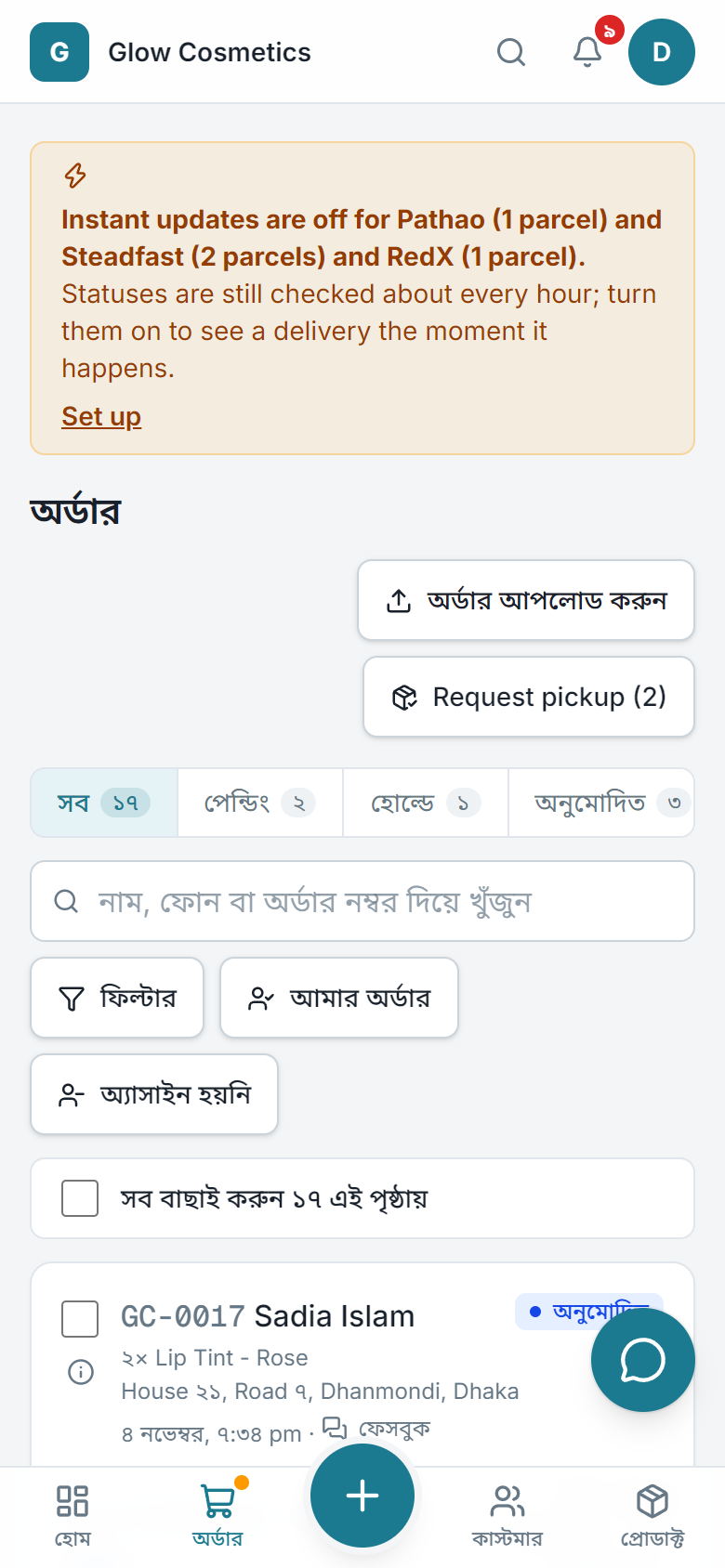
On a phone it works the same:
Bangla digits just work#
Type a phone number in Bangla digits and it is understood:
| You type | Saved as |
|---|---|
০১৭১১০০০০০১ | 01711000001 |
০১৭১১-০০০০০১ | 01711000001 |
+৮৮০ ১৭১১ ০০০০০১ | 01711000001 |
This works in the sign-in box, the order form, uploaded files and anywhere a number is typed (quantity, price, amount, discount, postcode, barcode). While you type, a Bangla digit turns into 0-9 at once, so the box shows exactly what will be saved.
Names, addresses and notes are never changed. A Bangla name stays Bangla on the order, the invoice and the slip.
Search in either script#
The search works the same way in Orders, Customers, Returns, Products, Inventory and the top search box (Ctrl + K).
- Digits:
০১৭১১finds01711…, andgc-০০০১finds orderGC-0001. - A Bangla name finds an English spelling and the other way round:
রিনাfinds Rina Akter, andrinafinds রিনা আক্তার. - Products named in English are found by a Bangla search, and a Bangla-named product by an English one.
- Sounds alike: if nothing is found, the search tries again using the consonants of the name.
করিম(written korim) finds Karim. The page says these are names that sound alike.
Product SKUs from Bangla names#
When you add a product, the SKU is suggested from the name, in English letters, even if you type the name in Bangla. See Products.
An example#
The demo shop sells Holud Gura (হলুদ গুঁড়া). The Bangla name is kept exactly as typed, the SKU is in English letters, and either spelling finds it.